Setting Up Your Email
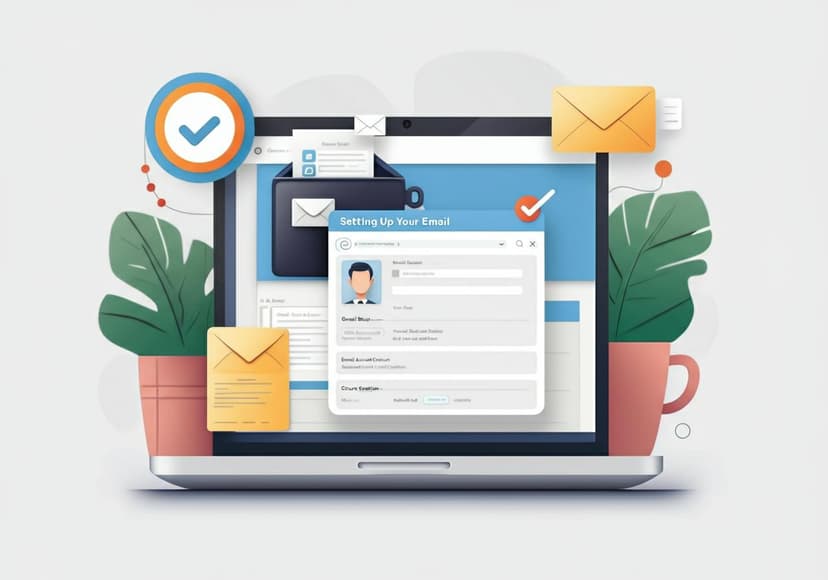
Create a new email account, input necessary info and follow these steps to securely set it up.
Why Email Setup Matters
Everyone needs an email account these days, whether for personal use or business purposes. But how do you go about setting up email correctly? A well-configured email account can help you stay organized, manage communication effectively, and ensure your information is secured properly.
Create Your Email Account
The first step in your email journey is to create an email account. There are numerous providers to choose from, including Gmail, Outlook, and Yahoo. Each platform has its unique features, but the overall process of setting up an account is quite similar. Simply visit the website of your preferred email service and look for the registration option.
Gmail Setup
Gmail is one of the most popular email services globally, thanks to its user-friendly interface and robust features. To initiate Gmail setup, head to the Gmail website and follow the prompts to enter your details. You will need to provide basic information, such as your name, desired email address, and password. Don't forget to enable two-factor authentication for a secure email setup.
Outlook Setup
For those who prefer a Microsoft product, Outlook setup is another great option. By visiting the Outlook website, you can create a new email account in just a few steps. Submit your details, choose a strong password, and select your preferences. Outlook offers great integration with other Microsoft services, making it a solid choice for users already embedded in that ecosystem.
Yahoo Mail Setup
If you're looking for a reliable alternative, consider Yahoo Mail setup. Much like its competitors, Yahoo also allows you to create an email account by filling out your information online. After signing up, take a moment to explore the settings and customize according to your needs. This extra personalization is essential when aiming for a professional email setup.
Email Account Creation Steps
The general process of email account creation includes verification. You'll usually receive a confirmation email or SMS. Follow the link sent to your primary contact to verify your new account. This step is crucial in protecting your new email, allowing you to ensure you're the only one who can access it.
Secure Email Setup
Security cannot be overlooked in today’s digital age. Whether you’re setting up a personal account or handling business email setup, a secure email setup is vital. Look for email services that provide end-to-end encryption, such as ProtonMail, which focuses heavily on user privacy and security. Learn more about their secure offerings by visiting ProtonMail.
Email Configuration for Professionals
A professional email setup often requires additional configurations, especially for business purposes. This may include configuring IMAP/SMTP settings or linking your company domain to your email account. This helps establish a professional presence that builds trust with clients and partners.
Email Management Tips
After your new email account is created and configured, make sure to maintain it effectively. Regularly update your password and review security settings. Keep an eye on spam messages and consider using filters to organize incoming emails—this will make your inbox more manageable.
Using Email Clients
An email client allows you to manage your emails more efficiently. You can use desktop applications or mobile apps to access your emails. Ensure that your email configuration supports syncing with your chosen client, whether that's Apple Mail, Thunderbird, or another option discussed on Mozilla Support.
Conclusion
Setting up your email doesn't have to be complicated. By following the steps provided above, you’ll be on your way to enjoying the benefits of a well-functioning email account. Remember that whether you’re creating a personal or business email, prioritizing security will help keep your information safe. Choose wisely, and happy emailing!
Posts Relacionados

5 Popular Practices For It Infrastructure Monitoring
Monitoring IT infrastructure requires vigilance. Implement these practices for improved performance, quick troubleshooting, and security.

5G Towers Are They Safe
Concerns about local 5G towers persist, focusing on potential health impacts, but no definitive conclusions exist for the area.

5G Towers Overview And Tips
Locating 5G towers requires checking coverage maps. Seek information from local providers about tower locations in the area.