Screen Recorder With No Watermark
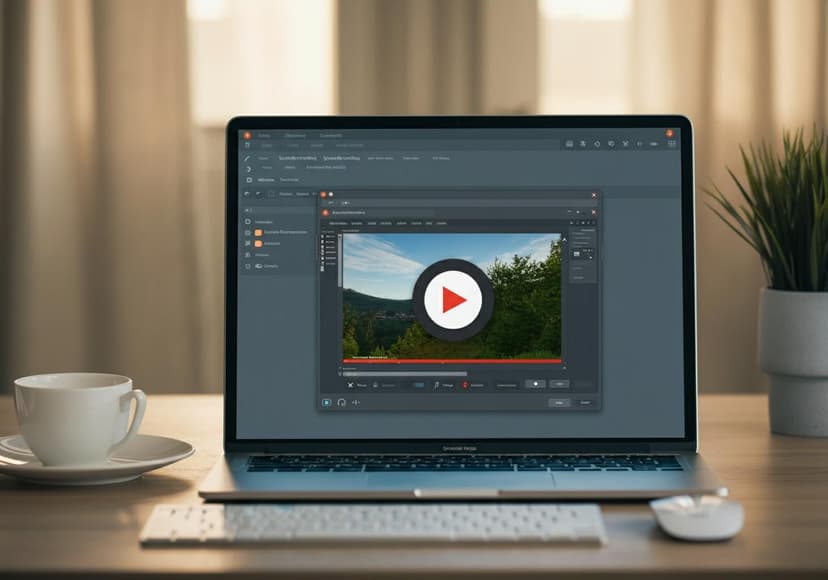
A recording tool, it captures videos efficiently without watermarks, suitable for various uses and purposes.
Are you on the lookout for an Easy Screen Recorder that won't watermark your videos? Whether you're looking to create tutorials, record gameplay, or capture important online meetings, finding the right screen recording software is crucial. In this blog, we’ll explore the benefits of using a screen recorder no watermark, and provide you with some top options to consider.
What is a Screen Recorder?
Before diving into the specifics of screen recording software, let's discuss what a screen recorder is. Simply put, it's a tool that allows you to capture everything happening on your computer or mobile device screen. From streaming games to online classes, a good screen recorder can do it all!
Why Choose a Screen Recorder with No Watermark?
Watermarks can be distracting and unprofessional, especially if you're sharing your videos online. When you choose a screen recorder no watermark, you ensure that the focus remains on your content. Plus, this gives your videos a cleaner look, making them more appealing to viewers. Whether you’re sharing your content on YouTube or simply saving it for personal use, having a watermark-free video can make a big difference.
Top Free Screen Recorders with No Watermark
1. OBS Studio: This is one of the best options when it comes to high-quality video recording without watermarks. Ideal for both Windows and Mac, it's widely used by gamers and educators alike.
2. ShareX: Another fantastic choice for screen recording software. It's open-source and completely free without watermarks. Plus, it offers tons of customization options!
3. ScreenRec: This powerful screen recorder online allows you to record any part of your screen. It comes with built-in sharing features and is compatible with multiple devices. Check it out here.
Best Screen Recorder for Windows and Mac
Finding the right tool for your operating system is crucial. For Windows users, we recommend CamStudio. It’s simple, lightweight, and doesn’t include watermarks in your recordings. If you’re a Mac user, consider downloading Screen Recorder Go: Record. You can find it on the App Store here.
Game Screen Recorder: Capture Your Best Moments
Gamers need a reliable screen recorder to capture those epic moments. Look for a game screen recorder that allows you to record gameplay at high resolutions. OBS and ShareX are favorites among gamers because of their ability to handle high frame rates without any hiccups.
Recording Audio Along with Video
Sometimes, you may want to narrate while recording your screen. Finding a screen recorder with audio capabilities is essential. Many free options, like OBS, allow you to record your system audio along with your microphone input, making it perfect for creating tutorials or walkthroughs.
Easy Screen Recorder: Features to Look For
When selecting an easy screen recorder, some key features to keep in mind include:
- High-quality resolution: You want to ensure your captured videos look great.
- Customization: Look for options to customize your recording area.
- Export options: Choose a recorder that allows you to save files in various formats.
- Lightweight: Ensure it doesn’t slow down your computer while recording.
Final Thoughts: The Perfect Screen Recording Software Awaits
Finding the right video recording software doesn’t have to be a hassle. There are plenty of options available, both online and downloadable, that provide commercial quality without watermarks. Whether you're using it for personal or professional purposes, make sure to explore these tools to elevate your content creation.
Need Help? Support is Available!
If you're having issues or need additional resources, Apple users can visit their support page for guidance on recording screens using their specific devices.
In conclusion, using an easy screen recorder without a watermark can significantly improve the quality of your recorded videos. So, go ahead and pick your favorite software, and start recording today!
Posts Relacionados

5 Ways To Streamline Your Marketing Efforts
Automated Marketing Platforms can enhance efficiency, boost lead generation, and improve campaign performance for greater results.

Antivirus Software Comparison Guide
It analyzes various antivirus software. Features, security, and performance ratings are compared for optimal protection.
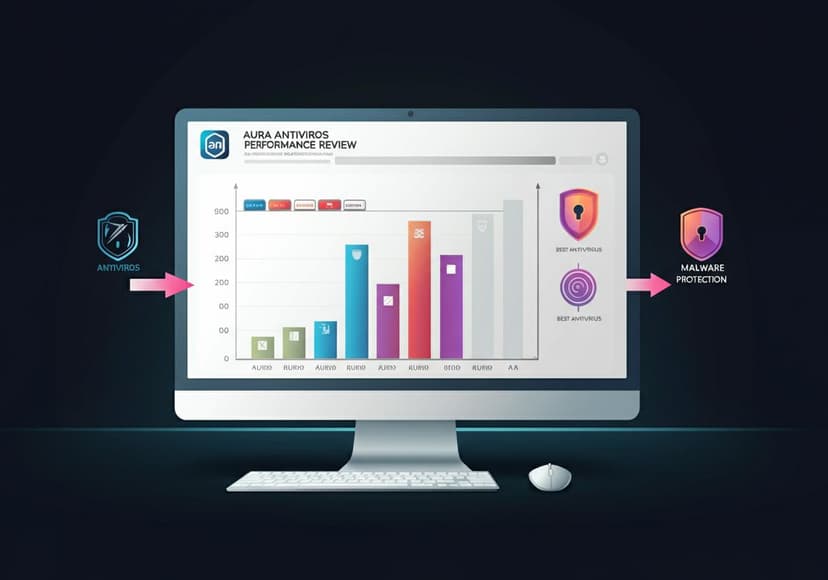
Aura Antivirus Performance Review
The antivirus effectively defends against malware. Its performance is commendable, providing reliable protection for users.