Benefits Of Using Mfa
Enhance security with the authentication app, protecting your data with added layers, for a safer online experience.
What is Multi-factor Authentication?
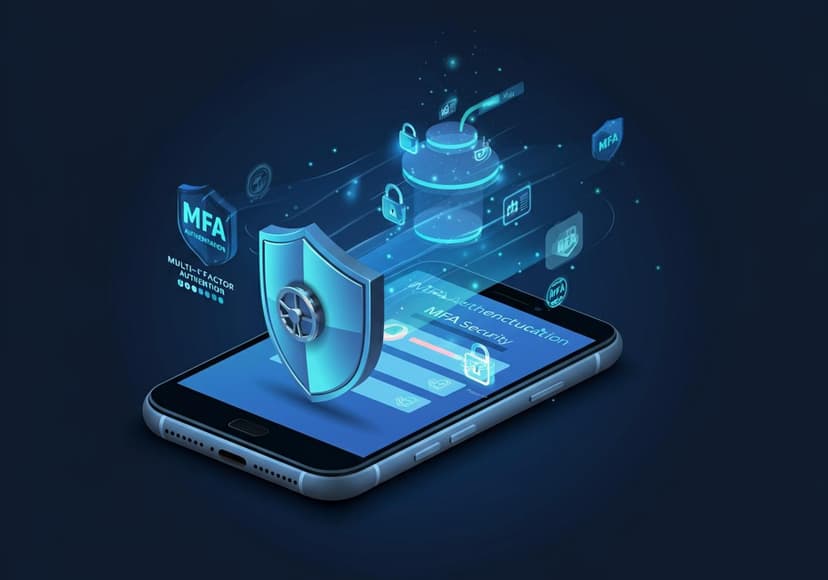
Multi-factor Authentication (MFA) is a security measure that requires more than one method of verification before granting access to accounts or systems. This technique enhances online security by ensuring that even if someone gets hold of your password, they won't be able to access your account without additional verification methods. With cyber threats on the rise, employing MFA security can provide an extra layer of protection for your sensitive information.
Why You Should Consider MFA
The digital world can be a dangerous place, and security threats are lurking around every corner. Using MFA means putting a barrier between hackers and your data. Not only does it boost account protection, but it also significantly reduces the likelihood of unauthorized access. With just a username and password, your secrets are vulnerable, but adding another step in the verification process can make a huge difference.
How Does MFA Work?
MFA typically requires you to use two or more distinct types of authentication factors. This could include something you know (like your password), something you have (like an authentication app), or something you are (like a fingerprint). One of the most popular methods for this is two-factor authentication (2FA), which adds an additional step to the login process. Whether you’re using a mobile application or biometric data, the concept is the same: the more layers of security, the better your password security!
MFA Authentication Apps
There are many applications specifically designed for MFA. Some of the most popular MFA authentication apps include Google Authenticator and Microsoft Authenticator. These apps generate time-sensitive codes that you will need to enter along with your password. For those with Android devices, you might want to check out the Azure Authenticator App. If you’re an Apple user, the Google Authenticator App is a great option too. By using these apps, you not only protect your accounts but also streamline the authentication process.
MFA Benefits
The benefits of using MFA are numerous. Firstly, it greatly enhances data protection. With more layers of verification, even if your password is compromised, your data remains secure. Additionally, it builds trust with your customers. When they know that you prioritize cybersecurity, they are more likely to engage with your services, knowing their data is safe. Also, using MFA significantly reduces the risk of identity theft, giving you peace of mind, especially if you store sensitive information online.
Enhancing Password Security
One of the most significant advantages of MFA is its impact on password security. Passwords can often be weak, reused, or easily cracked by cybercriminals. Implementing MFA means that even if a password is compromised, an attacker still has a hard time accessing your information. It encourages users to create more robust passwords, knowing that even the best password alone isn't enough to protect their data.
Common Misconceptions About MFA
A common misconception about MFA is that it takes too much time to use. In reality, with the right authentication app, the process can be quick and efficient. Users might also think MFA is only for businesses, but personal accounts can benefit just as much—after all, your personal emails and social media profiles can contain sensitive information too! Don't let misconceptions deter you from strengthening your security.
How to Set Up MFA
Setting up MFA is usually straightforward. Simply log into your account settings, and find the security or login section. Look for options related to multi-factor authentication and follow the steps provided. Many services offer tutorials or support pages to help you through the process. For more detailed guidance, consider visiting Login.gov Help. Once set up, you'll be relieved knowing your information has that extra layer of security!
Conclusion: The Need for Enhanced Security
In today’s digital age, neglecting online security is a risk we cannot afford to take. The benefits of MFA extend beyond just protecting usernames and passwords; they encompass a broader vision of safeguarding incredible amounts of personal data vulnerable to cyber attacks. By implementing services like MFA, you’re actively participating in your own data protection. So why not start today? Your future self will thank you!
Posts Relacionados

Short Guide On Nevada Timeshare Law
Nevada timeshare law protects consumers with disclosure requirements and cancellation rights, ensuring fair practices.

A Guide To Google Cloud Platform Services
It offers scalable computing, storage, and networking services for businesses seeking robust cloud solutions.
Access Control Who Can See Your Data
Data security services manage data visibility. They protect your data, controlling who accesses it.